How To Use The Secret Alternate ARCANE Skins in 2XKO

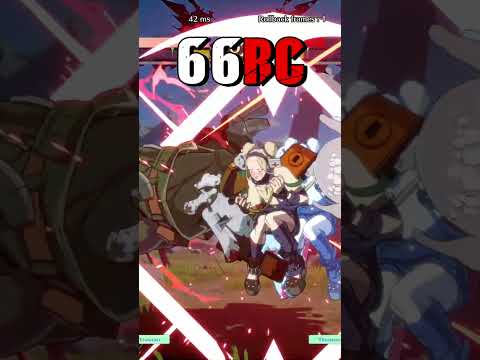
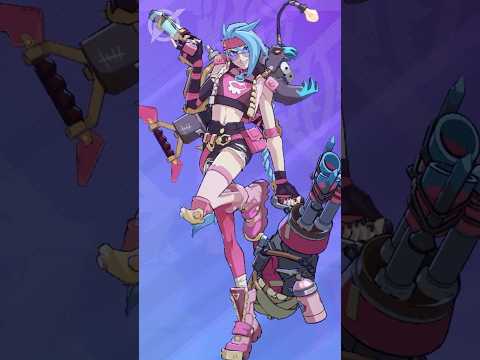
Discover how to unlock hidden alternate versions of Arcane skins in 2XKO by inputting a secret button combination during matches. Select any Mythic skin from the Arcane bundle, then hold S1 + S2 + Tag simultaneously after stage select—either during the loading screen or between rounds—until the match begins. This technique mirrors the secret code system found in competitive fighting games, giving players access to exclusive costume variants that aren't available through standard selection. Currently limited to the Arcane bundle, but as Mythic skins expand in future updates, this feature is expected to unlock alternate versions for additional cosmetics. Whether you're looking to customize your fighter's appearance or just want to explore every hidden detail 2XKO has to offer, this guide walks you through the exact input timing and conditions needed to activate these secret skins consistently.
Original YouTube Description
2XKO the League of Legends fighting game has many skins that look good but some costumes in 2XKO actually have a secret alternate version that you can input a code to use. Here is how you do it. Select A Mythic Skin, During the loading screen after stage select hold S1 + S2 + Tag all at the same time until the match begins. You can also do this between rounds just like the…
Show more →
2XKO the League of Legends fighting game has many skins that look good but some costumes in 2XKO actually have a secret alternate version that you can input a code to use. Here is how you do it. Select A Mythic Skin, During the loading screen after stage select hold S1 + S2 + Tag all at the same time until the match begins. You can also do this between rounds just like the secret codes in Street Fighter V. Unfortunately this only works for the Arcane Bundle currently. However I assume as the game gets more Mythic Skins added more skins will have this special feature Want the best controller
Source
From KasualZenkai's YouTube channel